Skip to content

Words per Page Calculator for Your Manuscript

Estimate words per page for your manuscript. Paste text, enter a word count or convert pages back to words, using a book-size preset or your own page-capacity assumption.

Word and page count

Paste a draft, enter a word count or work backward from pages. Choose a book size or supply the words per page from your own layout.

What would you like to calculate?
Words
0
Characters
0
Without spaces
0
Paragraphs
0

About 0 whole pages at this assumption.

0 words ÷ 280 words per page = 0 pages; 0 whole pages after rounding upward.

This size assumes 280 words per page. Font, spacing, headings and illustrations affect the finished layout. Use a representative formatted page to choose a custom capacity.

5 × 8 in
0
6 × 9 in
0
8.5 × 11 in
0
8.5 × 8.5 in
0

The same text, two different page estimates

Use one word count to compare two trim sizes. The example makes the calculator’s assumptions visible, so you can distinguish an estimate from a final typeset page count.

The manuscript length

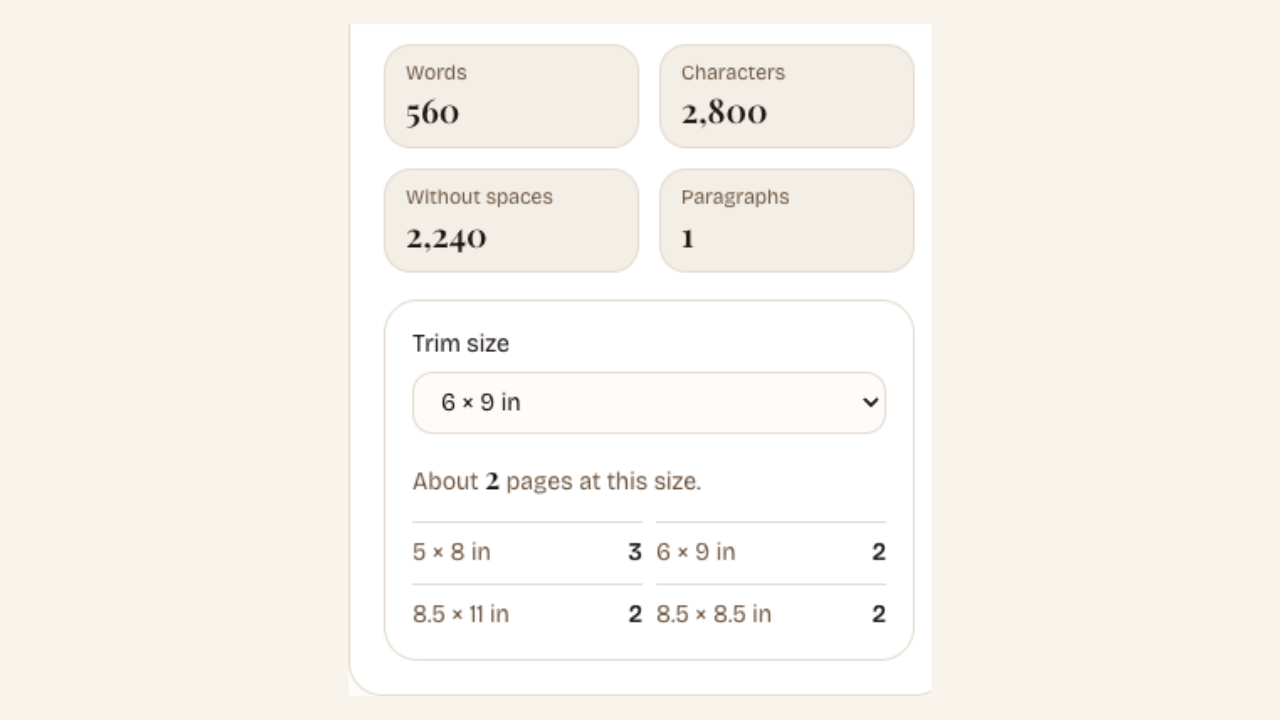
560 words of manuscript text. Compare the same passage at 6 × 9 inches and 5 × 8 inches.

The page estimates

2 pages or 3 pages

6 × 9 inches: 560 ÷ 280 words per page = 2 pages. 5 × 8 inches: 560 ÷ 230 = 2.43, rounded upward to 3 pages.

The text has not changed. Only the fixed words-per-page assumption has changed; the finished layout still depends on typography and spacing.

Compare words per page before formatting your book

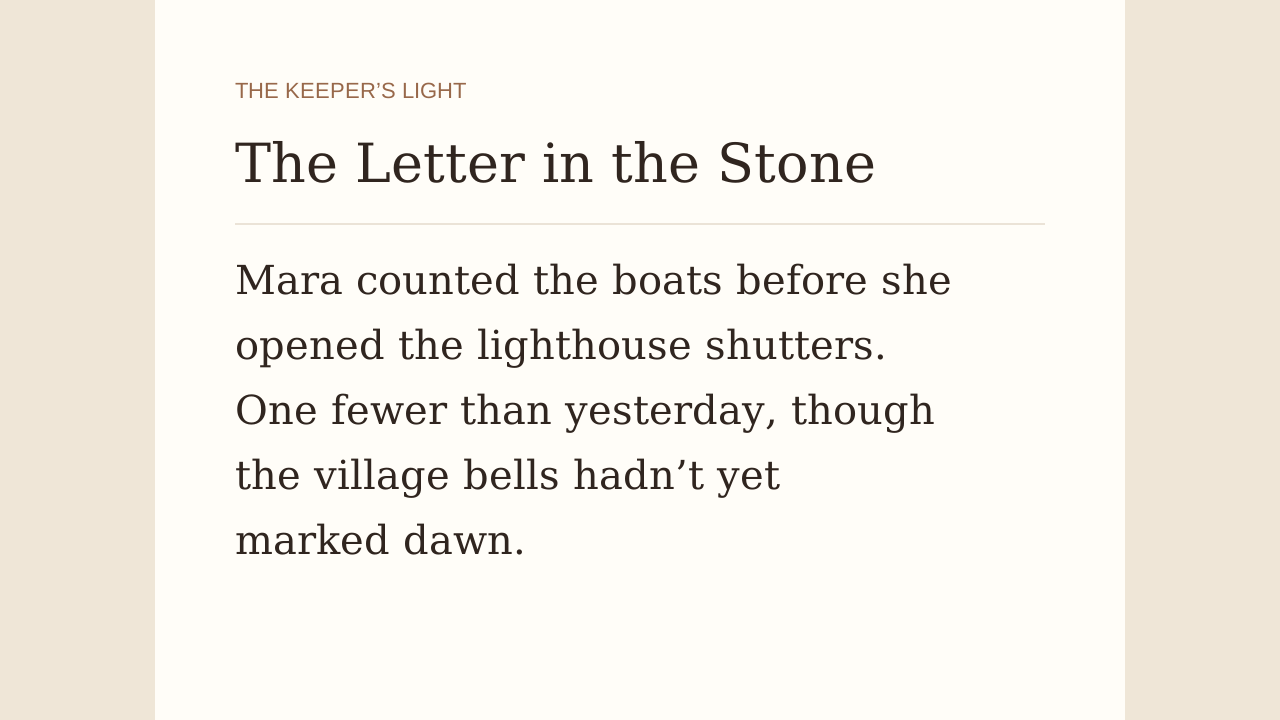
Pasted manuscript text with word and character counts

Measure the draft you are actually revising

Paste your manuscript or one chapter into the text box. Words, characters and paragraphs update as the text changes. Compare revisions with the same input scope, so an omitted introduction or a changed chapter boundary does not distort your length check.

Estimate my pages
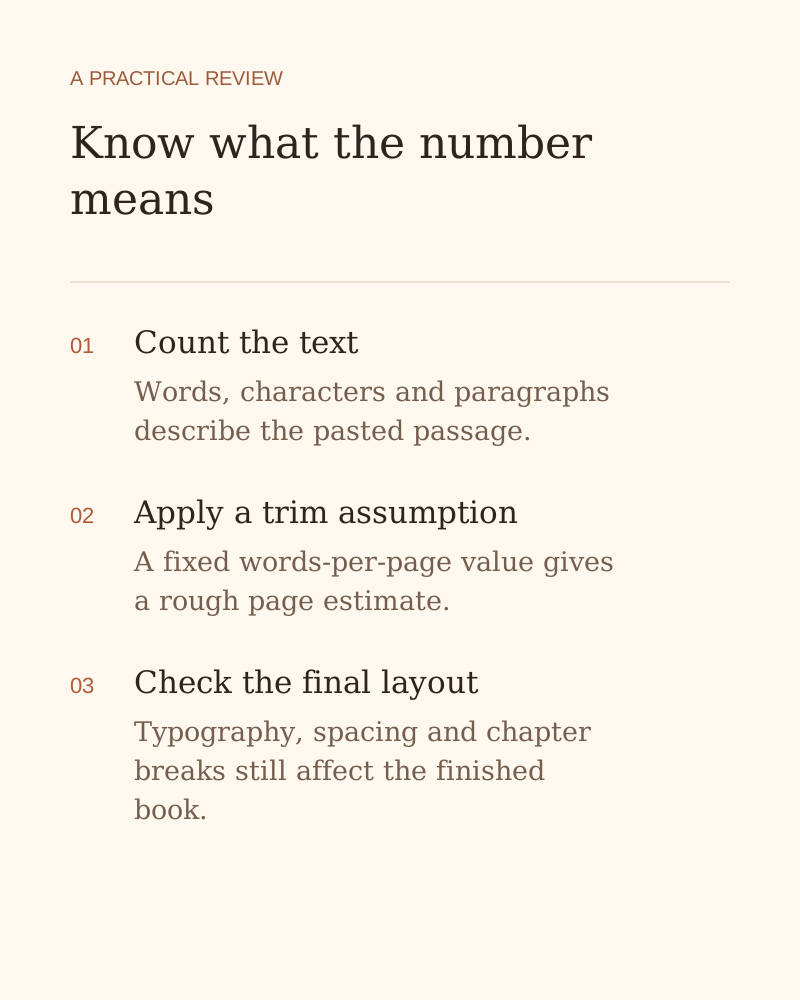
Know what your page estimate means

Compare manuscript length using consistent assumptions before choosing a book size. The same text can fill different numbers of pages after formatting.

Count the text you supply

See words, characters, characters without spaces and paragraphs together. Paste one chapter or your manuscript to check the material you are actually reviewing.

Compare four book sizes

View estimates for 5 × 8, 6 × 9, 8.5 × 8.5 and 8.5 × 11 inch pages without changing your manuscript.

Know what the number means — an explanation of the writing or review workflow

Use a visible rule of thumb

Each size uses a fixed words-per-page assumption. Divide the word count by that figure and round upward to estimate the pages the text occupies.

Separate length from final layout

Treat the number as a planning estimate. Typography, spacing, illustrations and chapter breaks determine the page count when you format the finished manuscript.

How the words per page calculator works

Estimate my pages
  1. Paste your manuscript text

    Copy the chapter or passage into the text box. Include only the material you want counted, such as the main text or a separate introduction.

  2. Choose a book size

    Select the trim size you want to compare. Check the other estimates below it to see how the same text changes under different assumptions.

  3. Review the page estimate

    Use the estimate to compare draft lengths or plan revisions. Check your exported, formatted document when you need an exact page count for publication.

Words per page and manuscript length questions

Check the length of your next chapter

Paste a draft, compare page estimates and plan your next editing session.

Estimate my pages