Skip to content

AIWriteBook

AI Novel Writer for Characters and Chapters

Use an AI novel writer to develop a cast, shape the conflict and draft chapters. Review the plan, revise each scene and keep the version that belongs in your manuscript.

Import your .docx draft

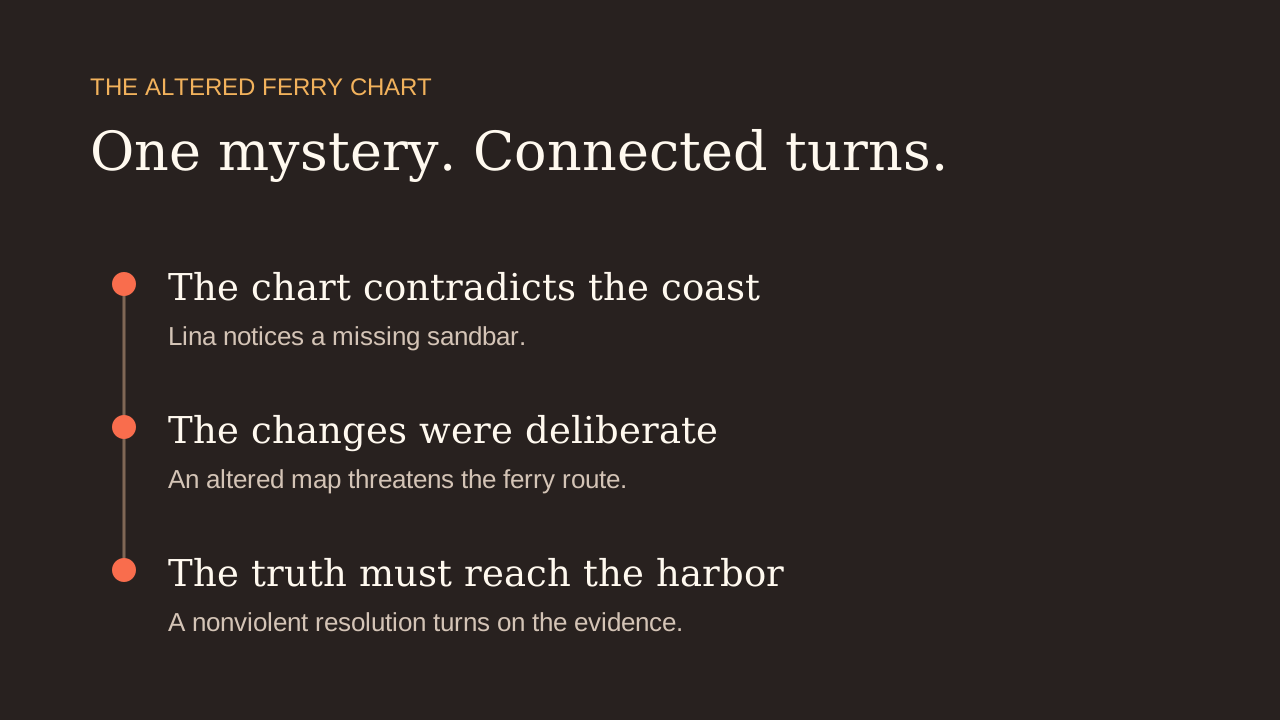
A story premise becomes a connected chapter plan

The same lighthouse mystery develops into three chapters with a clear sequence. Read the outline alongside the premise, then decide which turns need more work before drafting.

The starting idea

A cozy mystery about a lighthouse keeper who receives a letter from her missing father. An island setting, three chapters and a hopeful ending.

The chapter sequence

The Keeper’s Light

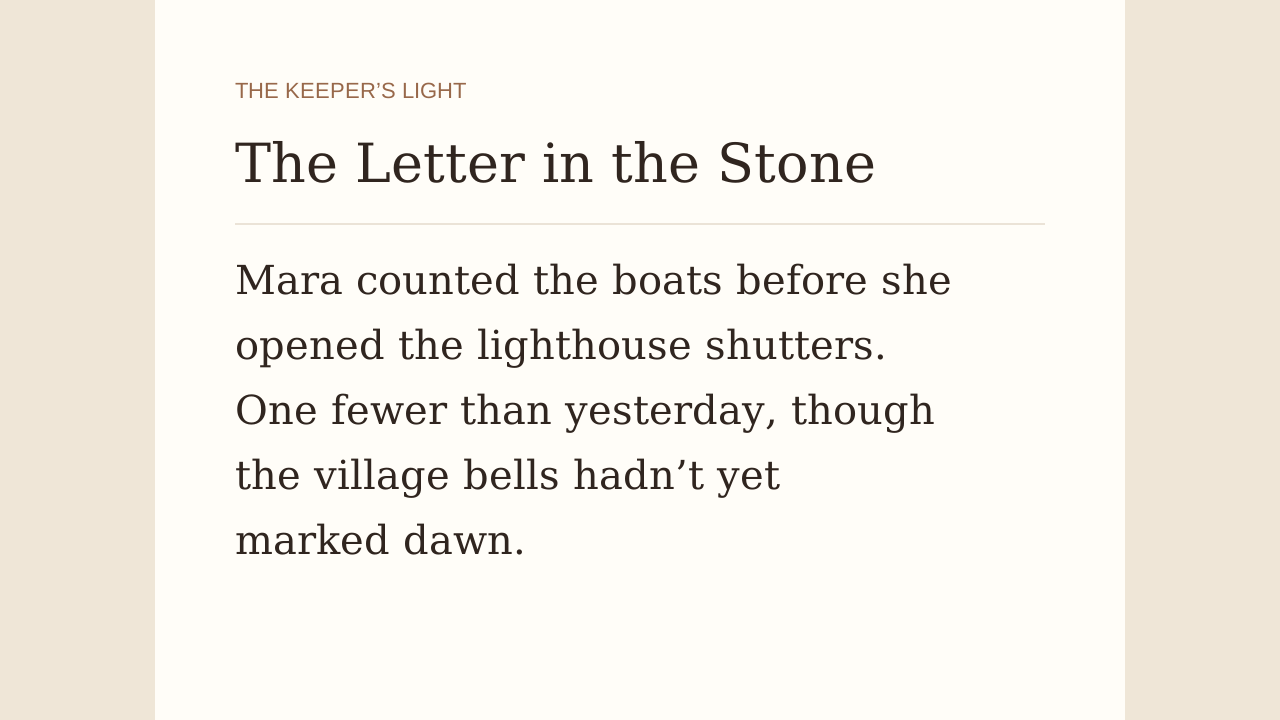
1. The Letter in the Stone — Mara finds a letter that draws her back into her father’s disappearance.

2. The Archive and the Undertow — she follows the tide-worn clues toward a hidden record of the island’s past.

3. The Light in the Hollow — the earlier discoveries bring the mystery toward its final reckoning.

An AI novel generator guided by your story plan

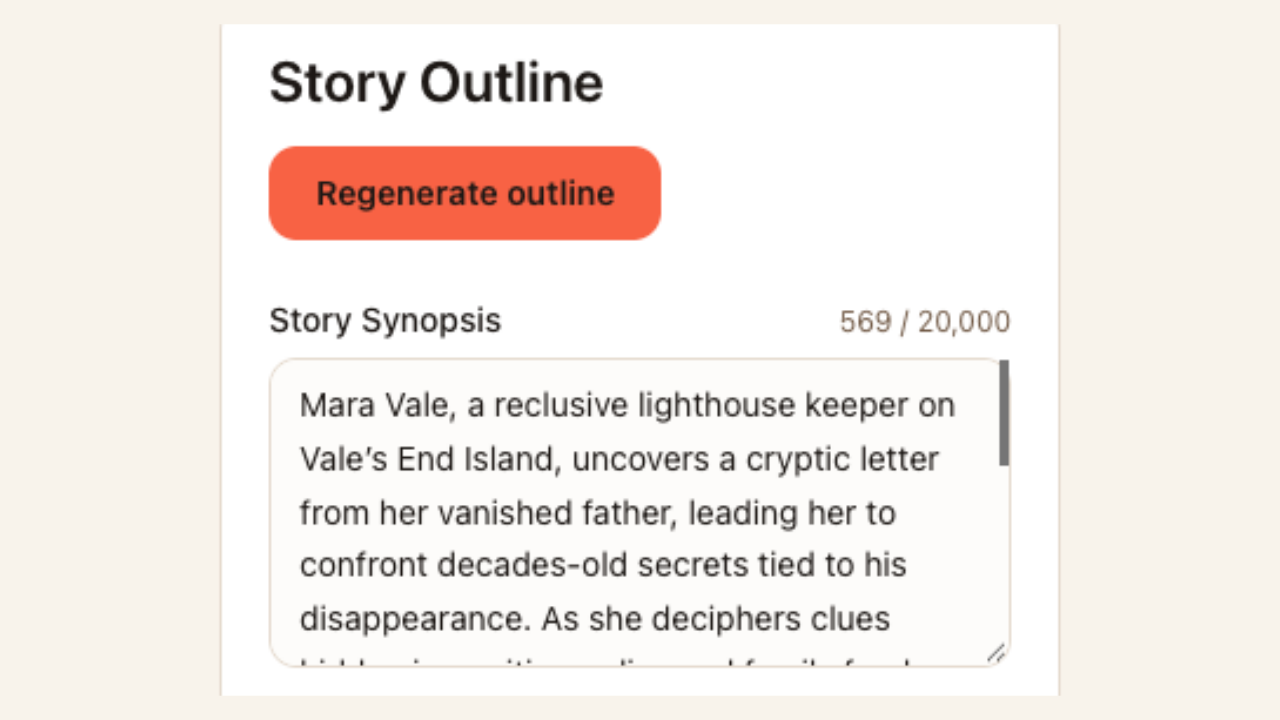
Editable story synopsis in the novel outline workspace

Review the outline beside your story premise

Keep the character’s goal and conflict in view while you plan the novel. Review the cast details and chapter cards together, then change motivations, events or locations before those choices shape several later scenes in the manuscript.

Start your novel
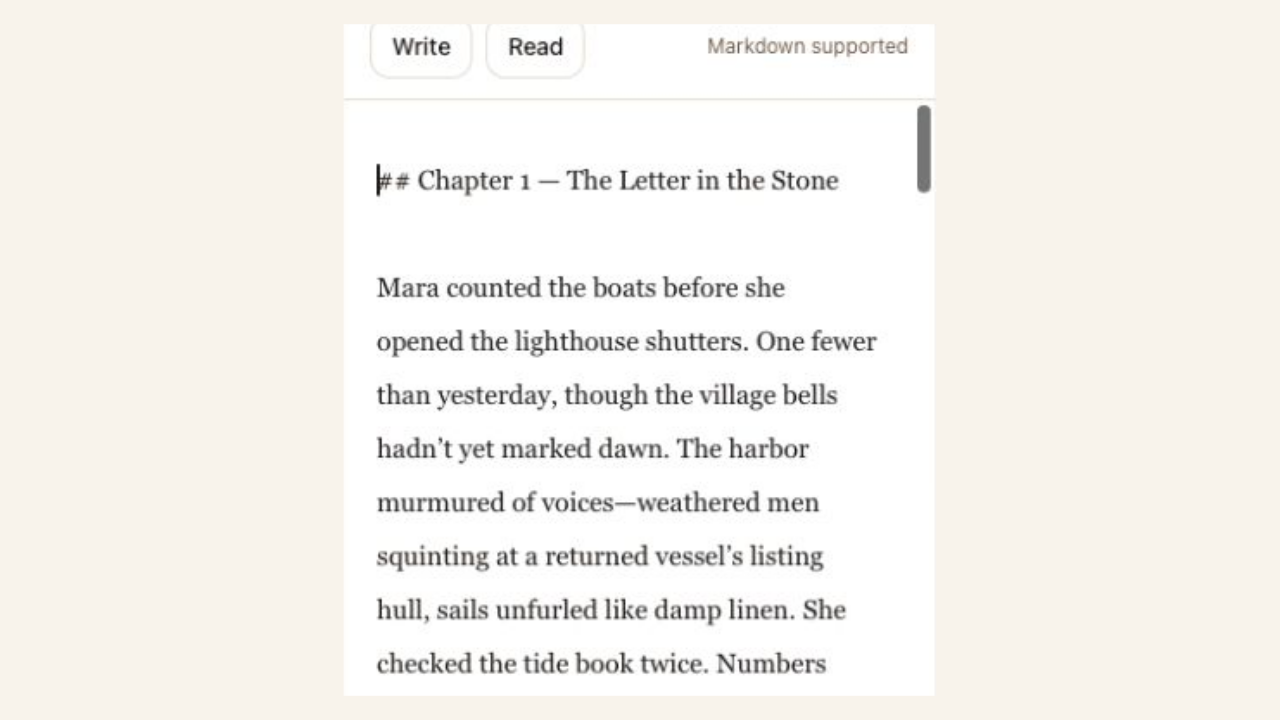
The opening chapter in the editable manuscript field

Review the scene in its own context

Open a planned chapter and draft its prose with your book details nearby. Read for believable decisions, continuity and voice. A selected revision gives you another option without requiring you to replace every sentence in the chapter.

Start your novel

Novel writing AI with room for your voice

Novel writing AI is most useful when it helps you make a specific choice. Keep the work organized while you decide how the characters, scenes and ending connect.

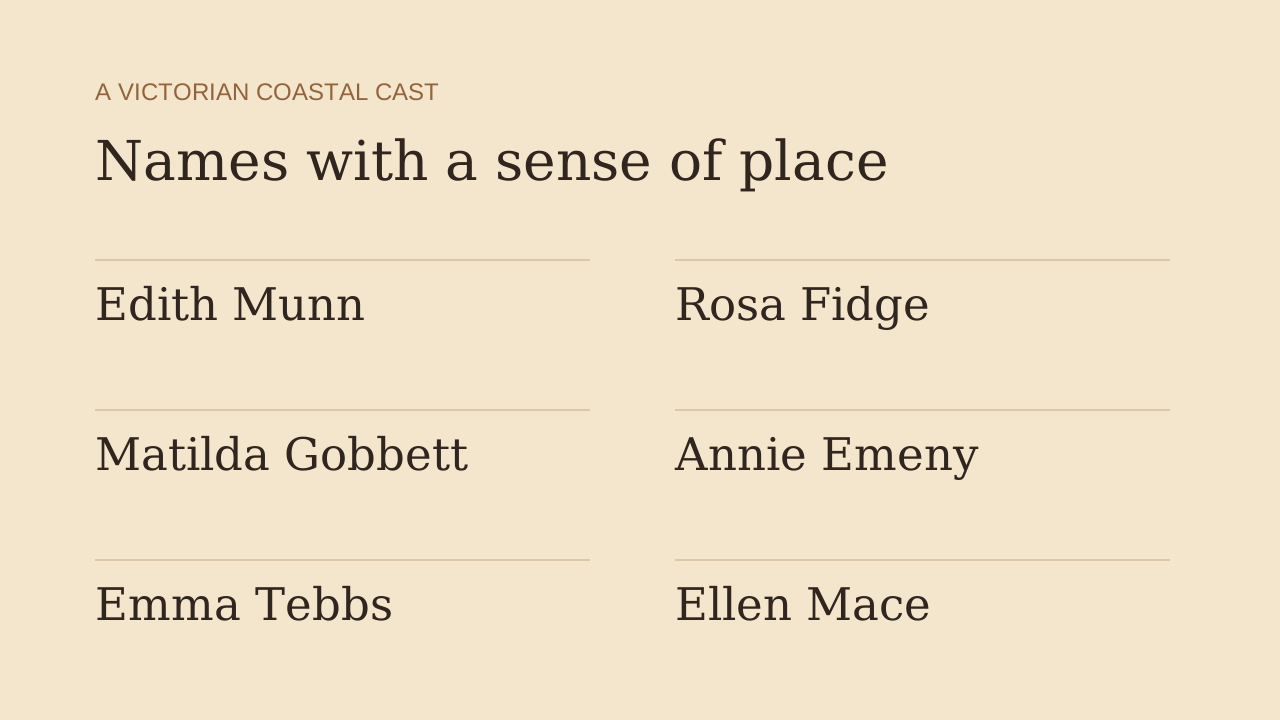
Characters beyond a placeholder

Start with profiles you can question and revise. Check whether a character’s goals give them a reason to enter the conflict and keep acting.

A visible story sequence

Read the chapter summaries together before drafting. You can spot a repeated scene or a missing turn earlier in the writing process.

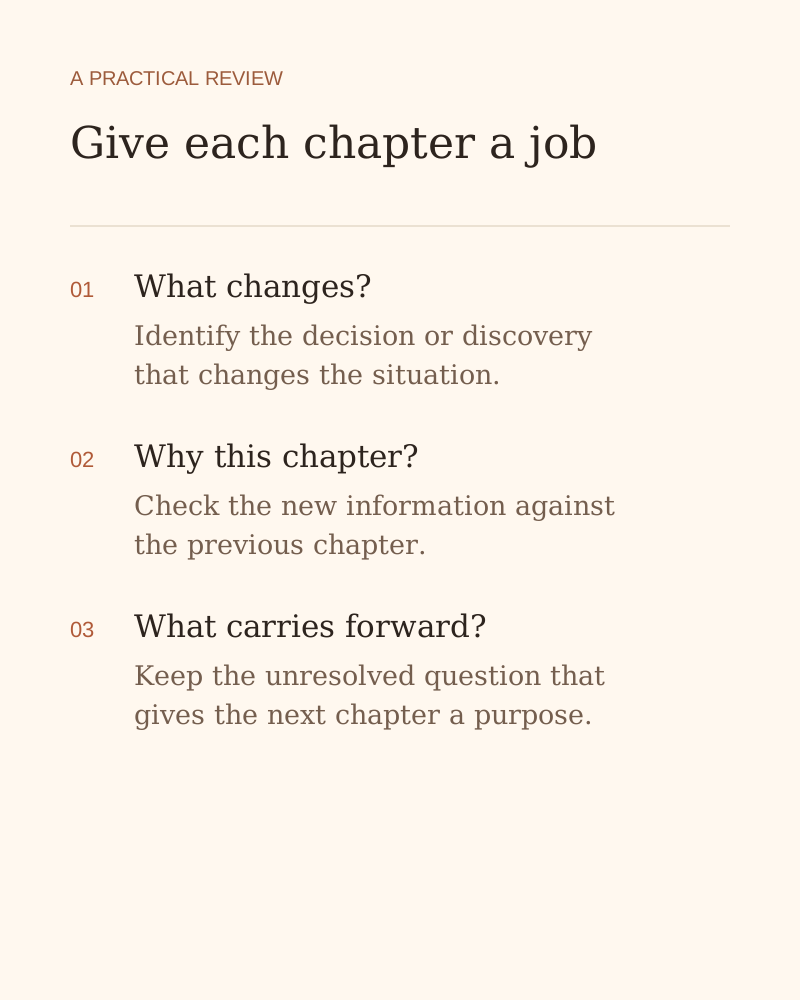
Give each chapter a job — an explanation of the writing or review workflow

Room for your own voice

Keep the parts that work and rewrite the parts that feel generic. The chapter editor lets your choices shape the final rhythm and wording.

Progress you can return to

Save the manuscript between writing sessions. A chapter plan gives you a specific place to resume when the next blank page feels too large.

How the AI novel writer works

Start your novel
  1. Describe the book

    Start a fiction project, explain the premise and select genre, tone and writing preferences. Add reference notes that you want the chapters to respect.

  2. Review the plan

    Check the basics, character profiles where relevant, and chapter outline. Edit the cards so each chapter contributes something distinct to the book.

  3. Draft, review and export

    Draft a chapter and review the prose before saving. Make your own changes or consider AI revisions, then export the manuscript for another editing pass.

Questions about drafting a novel

Give your novel a first chapter plan

Describe the conflict, review the cast and draft a scene you want to keep working on.

Start your novel