Skip to content

AIWriteBook

Plot Generator for Conflict and Story Beats

Give the plot generator a protagonist, conflict and constraints. Choose a structure and chapter count, then review a connected plan with story beats, chapter summaries and an ending.

Opening your writing workspace…

See an idea develop into a usable plot

A missing sandbar on a ferry chart gives this mystery a concrete problem. Compare the brief with the resulting plan before deciding which events deserve a full scene.

The plot brief

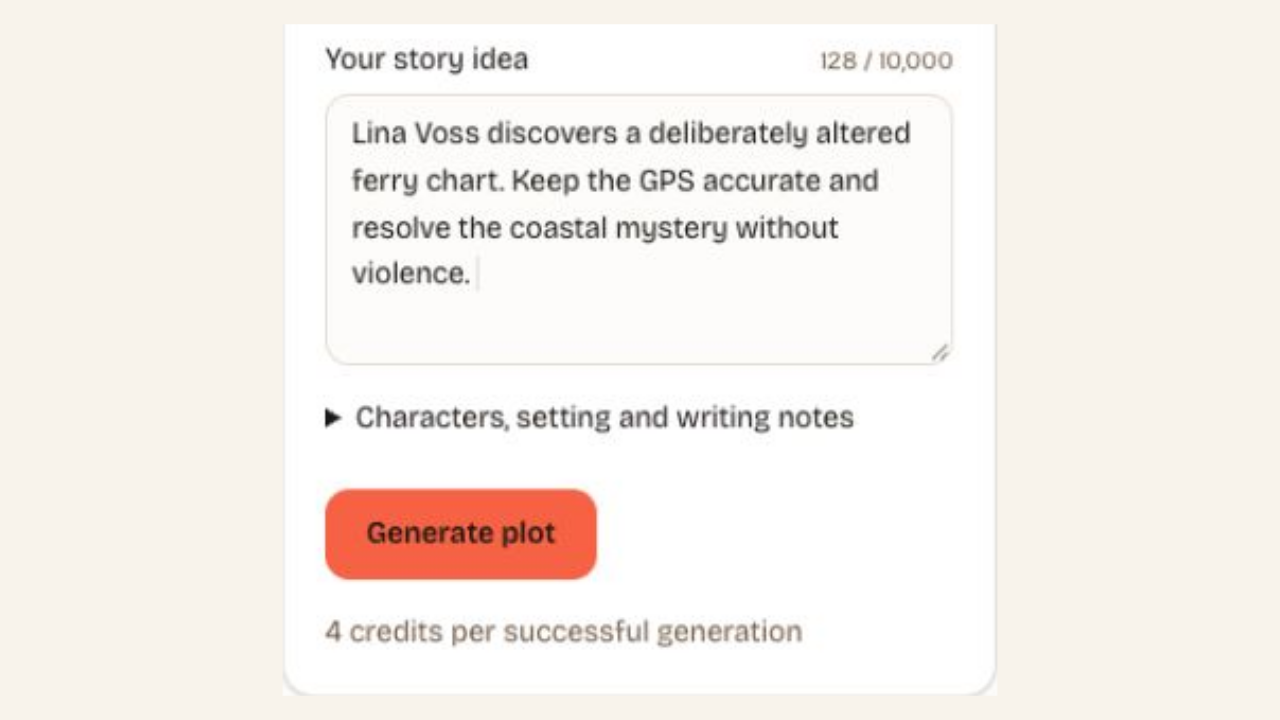
Lina Voss discovers a deliberately altered ferry chart. Keep the GPS accurate and resolve the coastal mystery without violence.

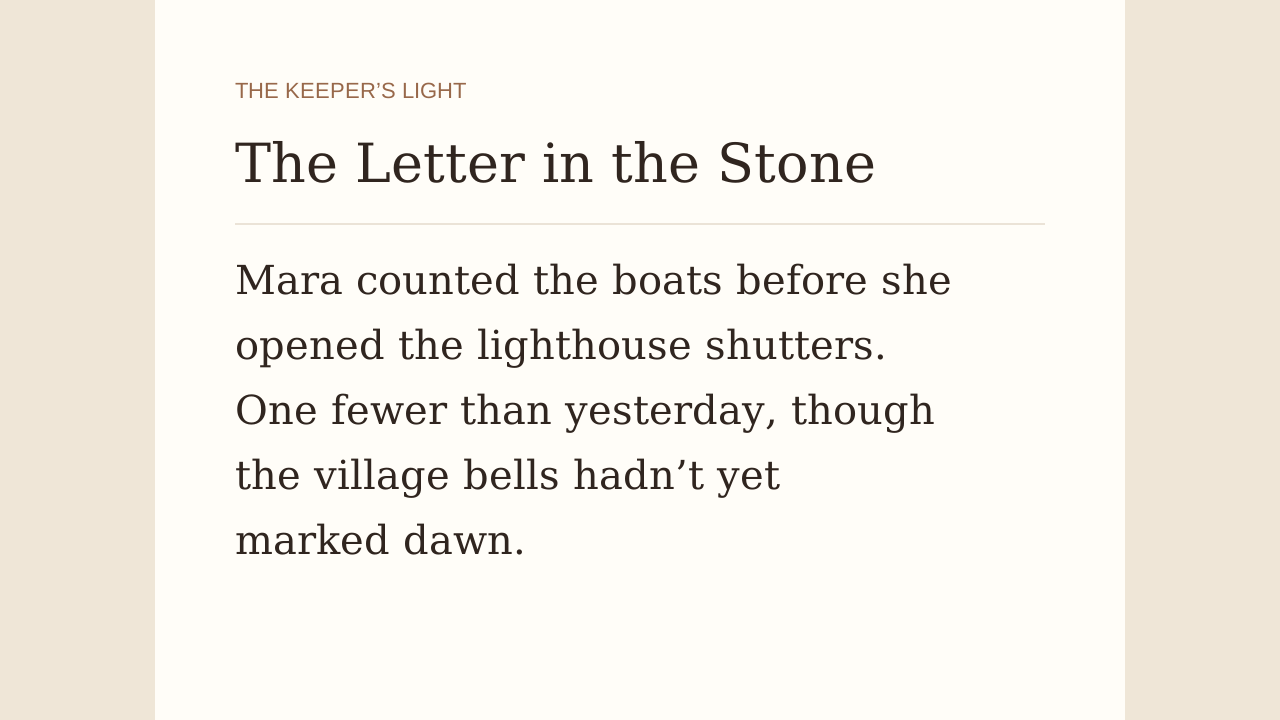
The plot excerpt

The Altered Ferry Chart

Lina Voss, a skilled and meticulous ferry navigator, discovers that a trusted relief officer has deliberately altered the printed ferry map to conceal a newly formed sandbar.

While GPS data remains accurate, the falsified paper chart could lead the ferry into dangerous shallow waters.

With passenger safety at stake, Lina must expose the tampering, reroute the ferry safely, and uncover the motive—all without escalating to violence. The shoreline and harbors remain unchanged; the deception lies solely in the swapped chart.

Build a plot around choices and consequences

Story inputs and preferences in the actual writing tool

Put a specific problem at the center

Give the plot generator a protagonist with a goal and an obstacle. Add your setting and essential constraints, then select a structure and chapter count. Review how each proposed event causes the next, rather than accepting a sequence simply because it sounds dramatic.

Create a plot
Find the weak link before writing a scene

Compare the proposed conflict with your original premise. You can identify an unsupported reveal, question a character’s motive and keep the story beats that lead toward a convincing ending.

Make conflict easier to inspect

See the major events together before writing them as scenes. You can identify an unearned reveal or a weak obstacle while the plan is still small.

Compare a different direction

Try another plan when the premise feels stuck. A new version can expose a choice you had not considered, even if you keep the original ending.

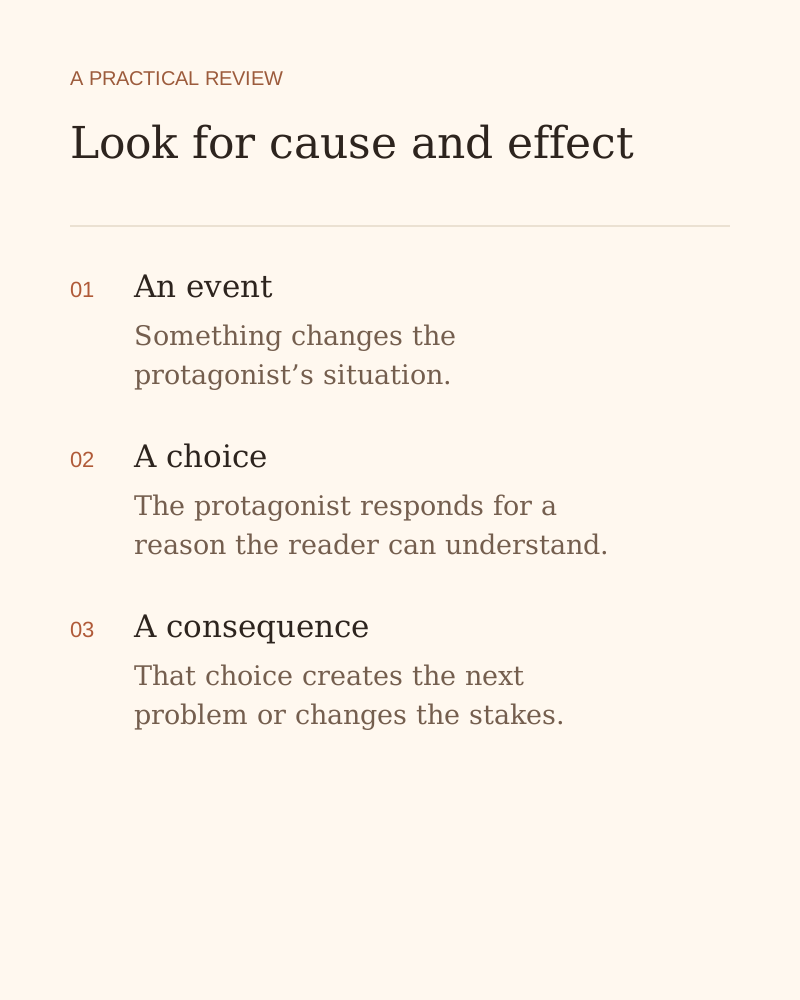
Look for cause and effect — an explanation of the writing or review workflow

Reduce discarded scene work

Question the event sequence before drafting several chapters. Changing a short planning paragraph usually takes less effort than rewriting an entire scene.

Keep authorship of the ending

Accept, change or remove any proposed beat. Your understanding of the characters determines whether the suggested ending belongs in the story.

How the plot generator works

Create a plot
  1. Describe the conflict

    Enter the protagonist, their goal and the obstacle. State setting details and constraints that must remain true throughout the proposed story.

  2. Choose the direction

    Select genre and structure preferences. Explain the ending or emotional effect you want to explore without replacing the central conflict with vague instructions.

  3. Review and keep

    Generate the text, read the result and compare it with your request. Keep useful parts, then copy or download the version you want to develop.

Questions about the plot generator

Give your story a conflict worth developing

Describe the protagonist and the problem, explore the story beats and keep a plot plan you want to turn into scenes.

Create a plot