Skip to content

AI Book Writer for Your Next Manuscript

Bring an idea or unfinished draft to the AI book writer. Plan fiction or nonfiction, develop chapters from your outline and revise the text before saving and exporting your manuscript.

See real examples

From a book idea to a chapter you can revise

See how a lighthouse mystery premise develops into manuscript text. This short example shows a starting draft to read, question and edit before writing the next chapter.

The starting idea

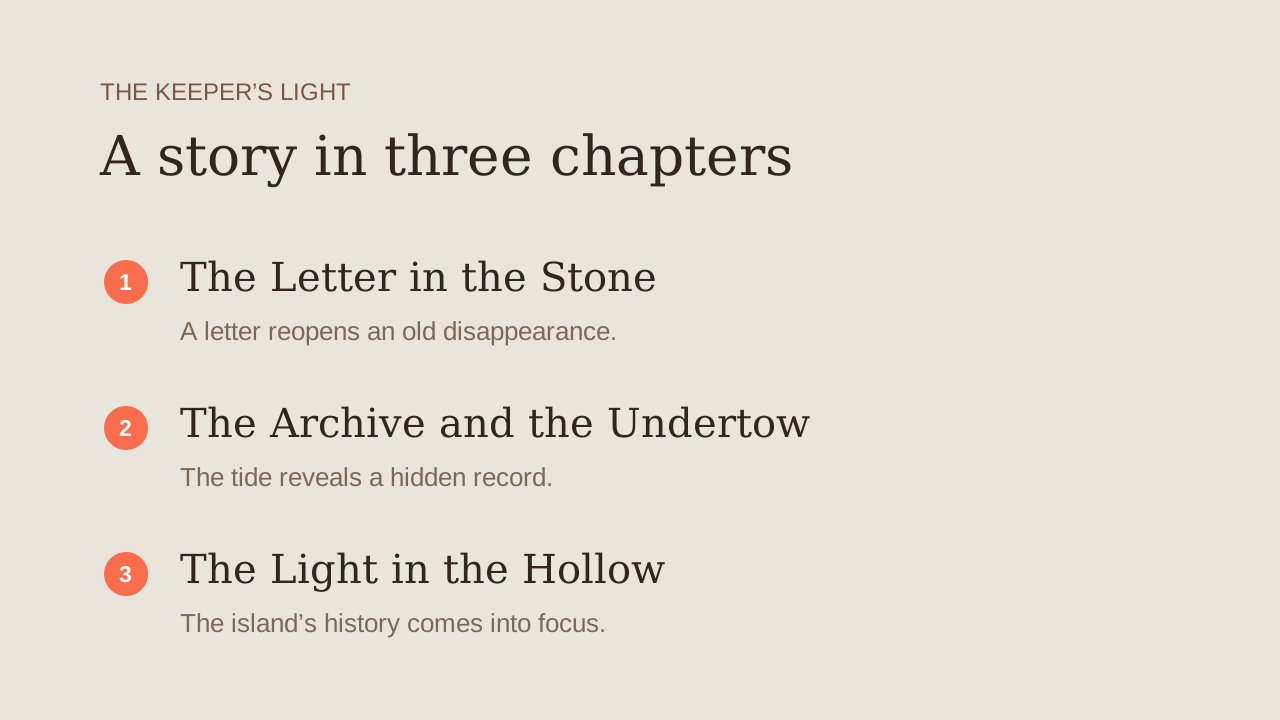
A cozy mystery about a lighthouse keeper who receives a letter from her missing father. An island setting, three chapters and a hopeful ending.

A chapter excerpt

The Letter in the Stone

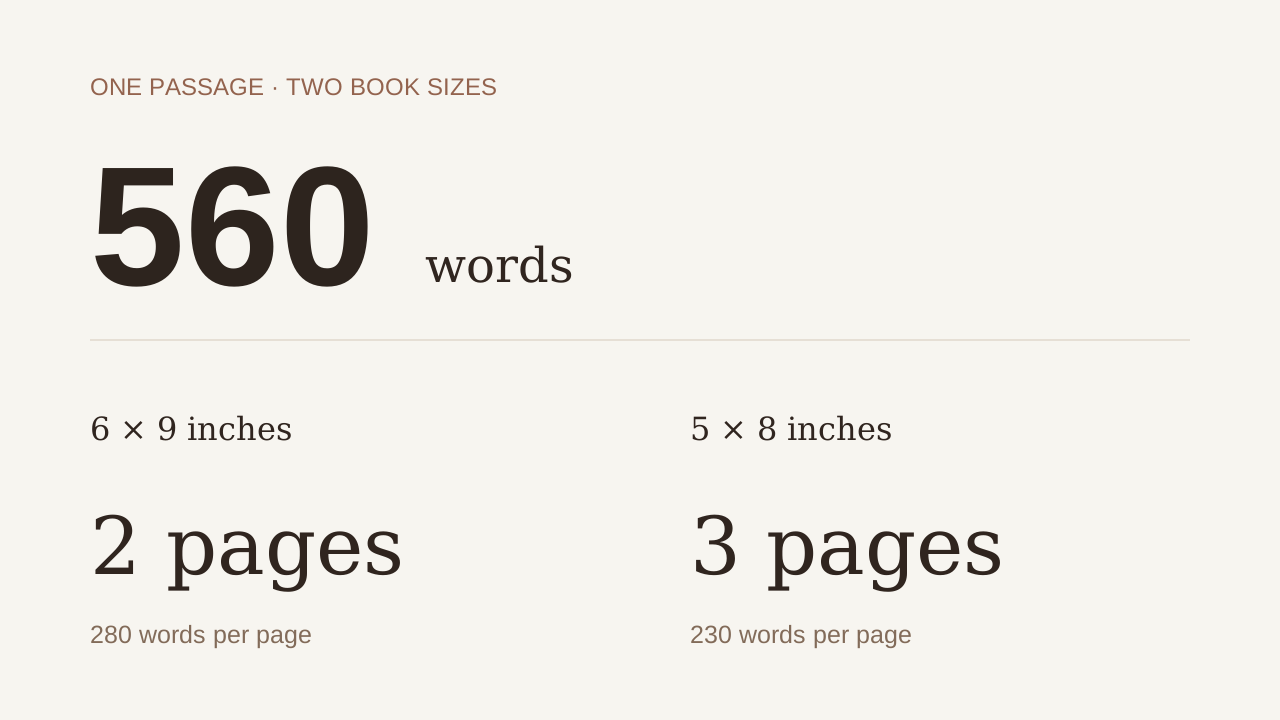
Mara counted the boats before she opened the lighthouse shutters. One fewer than yesterday, though the village bells hadn’t yet marked dawn. The harbor murmured of voices—weathered men squinting at a returned vessel’s listing hull, sails unfurled like damp linen.

She checked the tide book twice. Numbers were easier to trust than miracles. She brewed tea in a chipped enamel cup, its dregs thick as sludge. The letter lay on the table, corners curled like dead leaves.

Salt crystals crusted its folds—her father’s hand, unmistakable, though the ink had bled into the paper’s fibers like tide stains on rock. “The cursed keel rides again,” it began, “when the tide knows no master.”
An AI book generator with an editable plan

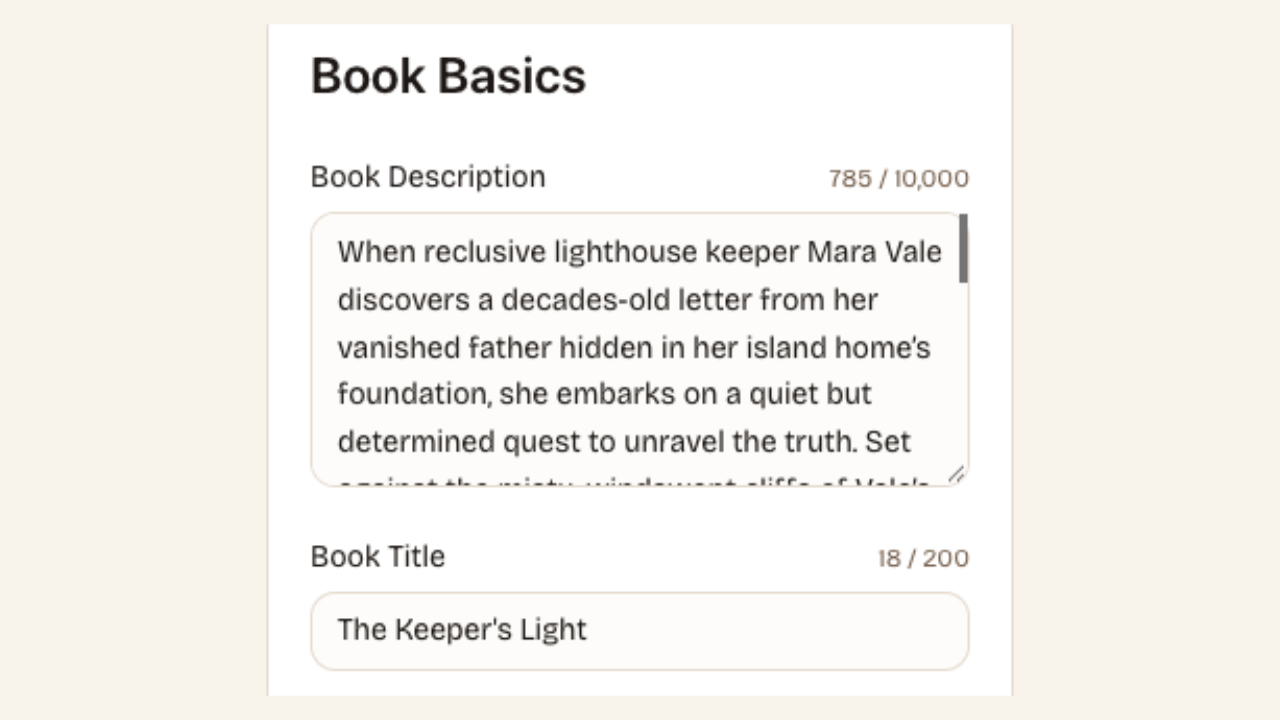
Editable book basics with the premise and title fields

Plan fiction or nonfiction before drafting

Give the AI book writer a premise, audience and writing preferences. Review the suggested title, synopsis and chapter structure, then edit the planning cards. For fiction, check character goals; for nonfiction, check that each chapter answers a distinct reader question.

Start your book
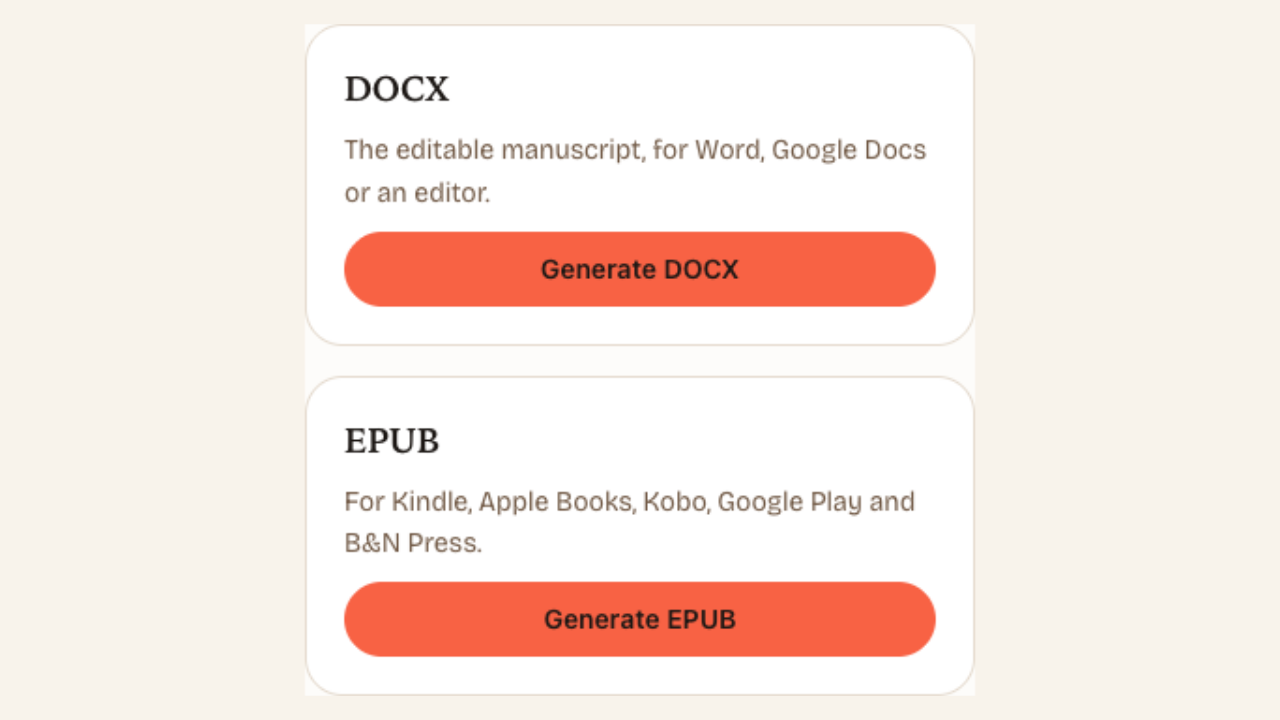
Manuscript format choices for exporting saved chapters

Keep the work in a useful format

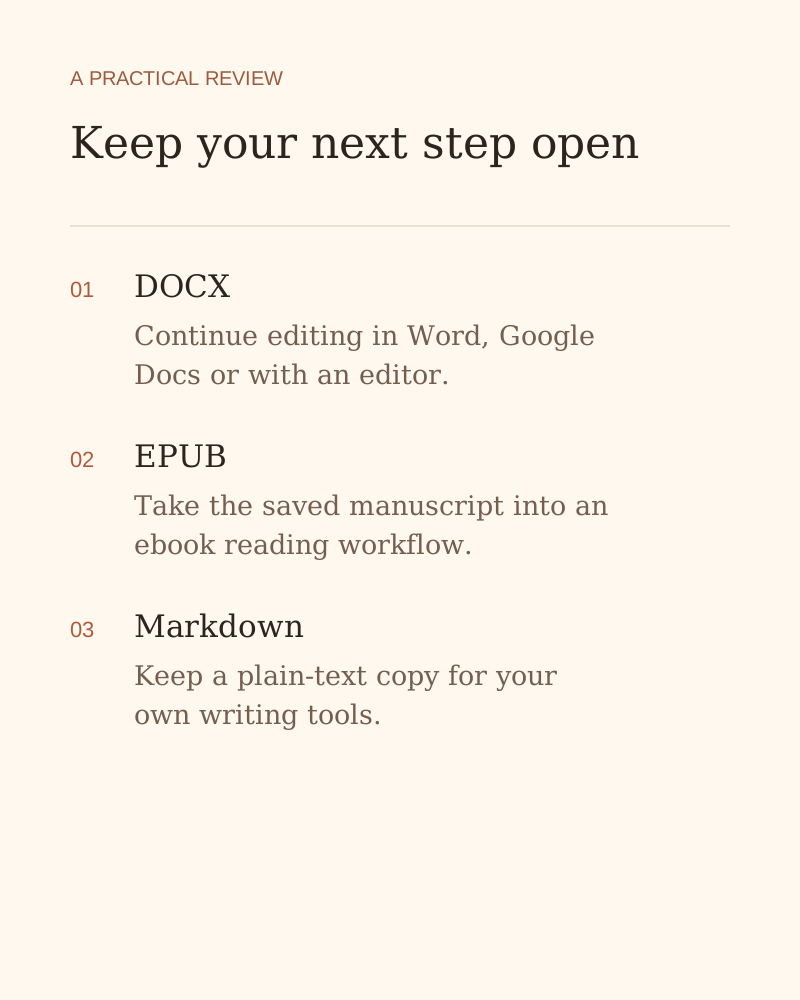
Export your saved manuscript as DOCX, EPUB, HTML or Markdown for further editing. Keep a separate copy when comparing versions or moving to another editor. Review the exported headings and layout against the requirements of your intended publication.

Start your book

A book writer that keeps your decisions visible

Using AI to write a book gives you a starting draft to shape. Move from a premise to an outline, then use the chapter editor to develop passages your intended reader can follow.

A plan you can change

Review the chapter sequence before spending time on prose. Move from a vague topic to a set of writing tasks with clear boundaries.

Your draft stays editable

Adjust names, facts and wording directly in the editor. You can keep a useful sentence while replacing an awkward paragraph in your own words.

Keep your next step open — an explanation of the writing or review workflow

Work at a realistic pace

Draft and review one chapter at a time. A saved workspace lets you return to the project without starting the planning process again.

An exit from the browser

Download the writing you have saved when you want a separate backup or another editor. The manuscript can continue outside this workspace.

How to use the AI book writer

Start your book
  1. Describe the book

    Choose fiction or nonfiction, explain the premise and select your writing preferences. Add reference notes that you want the draft to respect.

  2. Review the plan

    Check the basics, character profiles where relevant, and chapter outline. Edit the cards so each chapter contributes something distinct to the book.

  3. Draft, review and export

    Draft a chapter and review the prose before saving. Make your own changes or consider AI revisions, then export the manuscript for another editing pass.

Questions about writing a book with AI

Start your next book with a clear plan

Give the AI book writer your premise, review the outline and develop the first chapter in your own direction.

Start your book